


How Can I Streamline Bulk Uniform Ordering for My Travel Team?
Quick Summary
Replace the spreadsheet with one clean roster tab, a single order form that enforces fixed fields and drop-down sizes, and a single status owner who tracks approvals and payments. Run the migration two to three weeks before your deadline so errors are caught early. Consistent data is what makes bulk uniform ordering accurate.
- Freeze the old spreadsheet as a view-only archive to stop version multiplication.
- Normalize sizes to one vocabulary such as YS, YM, YL, AS, AM, AL, AXL before import.
- Confirm every jersey number is numeric and unique, and every player has a valid parent email.
- Send a confirmation email asking parents to reply only if something is wrong.
- Route every post-deadline change through one status owner so the vendor order matches the roster.
Table of Contents
- Why Spreadsheet-Based Uniform Ordering Breaks Down
- Build a Team Uniform Order Form Everyone Can Use
- Collect Accurate Sizes With a Team Uniform Size Chart
- Set a Team Uniform Order Deadline That Protects the Season
- Choose Between a Team Store and a Single Bulk Order
- Track Approvals, Payments, and Changes Without Chasing Parents
- Book Your Travel Team's First Simplified Order With Prime Sports
- Frequently Asked Questions
Why Spreadsheet-Based Uniform Ordering Breaks Down
A spreadsheet can become difficult to manage as orders change. Parent emails may include a size change, an added jersey, or a payment that was not recorded. By the time a bulk uniform order is submitted, it may be unclear what was ordered.
A spreadsheet can be configured with rules, but without them, entries may be inconsistent. A typo in a jersey number or size can lead to an order error.
Spreadsheets can present challenges for bulk uniform ordering:
- Versions multiply. Multiple copies can make it unclear which file is current.
- Data has to be retyped. Moving sizes between messages, spreadsheets, and order forms can create opportunities for mistakes.
- Approvals are invisible. Without a way to record approvals, it can be difficult to track them.
- Payments drift from orders. Tracking payments separately from orders can add work.
A single, consistently maintained record can help organize order information. This guide shows one way to set one up, starting with a single order form for families to fill out.
Build a Team Uniform Order Form Everyone Can Use
An order form can collect the same information from every player in a consistent format. But the form is only half the process. The other half is a deliberate migration plan for moving existing spreadsheet data into the new form and checking it for errors.
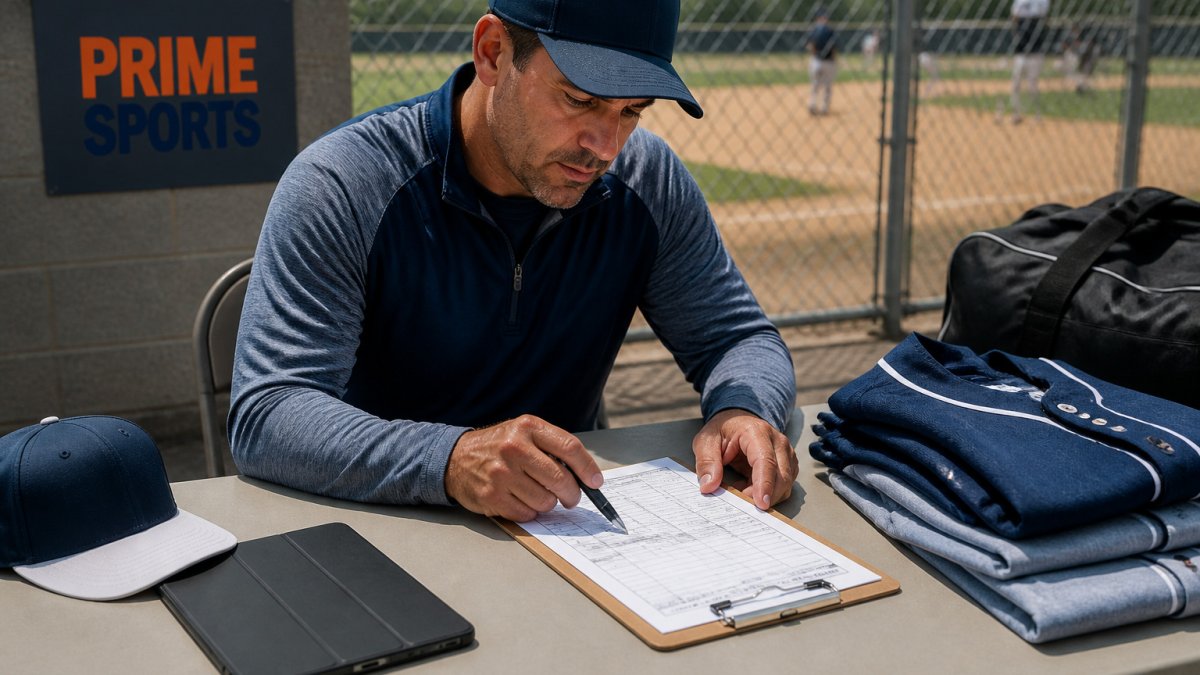
Start with a reusable roster template
Before you build the form, build the roster it will feed. A single roster tab with fixed columns is the backbone of the system. Use these columns:
- Player first name
- Player last name (as it should print on the jersey)
- Jersey number (numeric, unique)
- Jersey size
- Shorts/pants size
- Warm-up size
- Parent/guardian name
- Parent email
- Parent mobile
- Payment status (dropdown: Unpaid, Partial, Paid in Full)
- Approval status (dropdown: Not Reviewed, Approved, Change Requested)
- Notes (free text, capped at 200 characters)
- Date submitted
- Date last changed
Keep the roster as a single tab. Do not let anyone create a second copy named "roster_final_v3."
Migration checklist: spreadsheet to system
Work through these steps in order. Do not skip ahead to the form until step 4 is done.
-
Freeze the old spreadsheet. Rename it
roster_ARCHIVE_[date]and set it to view-only. This stops the version-multiplication problem immediately. -
Export to CSV. Delete every column you will not carry forward, side notes, color coding, old payment notes.
-
Normalize the data before import. Trim spaces from name fields, standardize sizes to one vocabulary (e.g., YS, YM, YL, AS, AM, AL, AXL), confirm every jersey number is numeric and unique, and confirm every player has a valid parent email.
-
Validate against a known-good list. Print the normalized roster and have one coach or team manager read it against the original sign-up list. Two sets of eyes catch typos a single pass misses.
-
Send a confirmation round. Before opening the form, send each parent a one-line email: "Here is what we have on file for your player, reply only if something is wrong." This catches errors while they are cheap to fix.
-
Retire the spreadsheet. Move the archive file to a folder no one edits. The roster tab in the new system is now the only source of truth.
Form fields that prevent the usual errors
Once the roster is clean, the form should enforce the same rules. Build these fields:
- Player name: two separate fields (first, last). Do not use a single free-text name field.
- Jersey number: numeric field with a uniqueness check against the roster.
- Sizes: drop-down menus only, using the same vocabulary as the roster. No open text.
- Parent email: required, with format validation.
- Payment status: drop-down, not free text.
- Notes: optional, capped at 200 characters, with a prompt that says "Flag a sizing issue or special request here."
Consider keeping the form concise. Each additional field is another opportunity for a typo.
A note on privacy and access
The roster holds names, sizes, emails, and payment status for minors. Treat it accordingly:
- Share the roster only with the coaches and managers who need it, using view-only or comment-only access where possible.
- Do not post the roster in a group chat or shared drive that the whole team can open.
- Set a retention rule: keep the roster through the season plus one replacement cycle, then archive it.
- If your form tool supports it, turn on two-factor authentication for anyone with edit access.
When the form closes, you can export the responses into the roster. Use the roster to organize information about approvals, payments, and changes.
Collect Accurate Sizes With a Team Uniform Size Chart
A size chart can give families information to consider before choosing sizes.
Use measurements, not just age or letter sizes. Ask families to measure their child or check the chart against a jersey that already fits well.
Set a Team Uniform Order Deadline That Protects the Season
A deadline is not just a cutoff. It is a date to plan around when coordinating an order with a vendor. Work backward from your first tournament:
Treat the deadline as firm, but explain it. A short note, "We need final orders by this date so uniforms arrive before our first tournament", works far better than an unexplained cutoff.
The article frames the deadline as a planning date to work backward from, though it does not list specific figures beyond the timing guidance below.
| Step | What to do | Timing |
|---|---|---|
| Choose the deadline | Work backward from your first tournament | Before the first tournament |
| Explain the cutoff | Give families a short reason for the date | When sending the deadline |
| Treat it as firm | Keep the cutoff, but explain it | Throughout the order window |
Choose Between a Team Store and a Single Bulk Order
Once you have a roster, decide how it gets ordered. Two common setups suit different kinds of teams.
A single bulk order can suit a team ordering the same core items in the same quantities. The team collects the roster and sizes, places one order, and distributes uniforms on arrival.
A team store can be an option when families want extras. Prime Sports offers team stores, but the ordering and payment arrangements depend on the store setup.
Before choosing an approach, consider whether required items are the same for every player, whether families want extras, who will handle payments and follow-up, and how much time is available.
Prime Sports offers team stores and team purchasing programs. Contact Prime Sports to discuss an ordering setup for your team.
Track Approvals, Payments, and Changes Without Chasing Parents
A travel-team order may involve tracking approvals, payments, and requested changes as the roster changes and a tournament approaches. Teams may need to consider how to handle mid-season additions and delivery arrangements.
One status board, three fields, one owner
Consider keeping a single record of each player's order status, with fields such as:
A team may choose one person to maintain its order record and decide how others submit changes.
A travel-team exception workflow
Teams can decide how they want to handle exceptions and document those decisions before the season starts.
Approvals that actually stick
Approval is not a verbal yes at practice. Make it a recorded action:
- Send each family a confirmation email listing their player's items, sizes, jersey number, and total.
- Ask them to reply "approved" or to click an approval link if your tool provides one.
- Record the approval date on the status board.
- Send one reminder to anyone unapproved three days before the deadline, and one final reminder the day before.
This gives you a written record for every player and removes the "I never approved that size" conversation after delivery.
Payments without the daily nag
- Publish the payment deadline and the accepted methods on the form itself.
- Send a single reminder to unpaid balances at the midpoint between the form opening and the deadline.
- Send a final reminder only to families still unpaid 48 hours before the deadline.
- Reconcile the payment status against your bank or payment processor once a week, not daily.
Delivery and distribution tracking
When the shipment arrives, do not hand out garments from a pile. Use the fulfillment field:
- Check each delivered item against the roster before distribution.
- Mark each player Delivered with the date.
- Flag any shortage or wrong item as Exchange Needed the same day, while the vendor's error window is still open.
- For multi-destination shipments, keep a separate tracking number per destination and confirm receipt with the receiving family.
Common mistakes to avoid
A clear status record and documented exception rules can help organize team-order information.
Book Your Travel Team's First Simplified Order With Prime Sports
If you are ready to replace the spreadsheet, the fastest next step is to start with one clean roster and one order form. Prime Sports can help you set up a team store or a bulk uniform order, so your sizes, approvals, and payments stay in one place from the first day. Shop new arrivals at Prime Sports and request a team order when your roster is ready.
Frequently Asked Questions
How do you collect uniform sizes from a team?
A team can collect each player's name, jersey number, and garment sizes in a consistent format. Set a return date and review the information before placing an order. A size chart can give families information to consider when selecting sizes.
What should a team uniform order form include?
A team uniform order form can include player and team details, garment information, and an order deadline. The information a team needs may vary. Pricing depends on quantity, dates, and delivery; check Prime Sports for current prices or a quote.
How far in advance should a travel team order uniforms?
Plan the order deadline with your schedule in mind, and ask the supplier about timing before committing to a date.
What is the easiest way to manage team uniform orders?
A team can use a consistent order form and deadline, then keep a record of submitted sizes and other order information. Teams can choose a payment process that suits their needs.
